Proqramı quraşdır
və operatorla danışmadan
taksi sifariş et


və operatorla danışmadan
taksi sifariş et
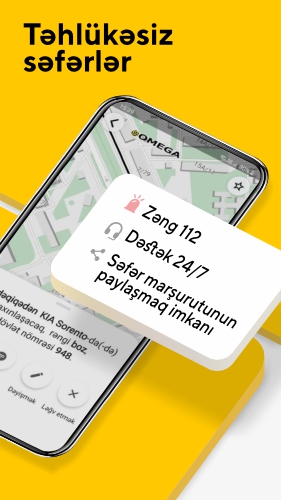
Bizimlə asan və rahatdır

Avtomobilin ən qısa
müddətə çatdırılması

Biz səfərlərə ən yaxşı
qiymət təklif etməyə çalışırıq

Gediş haqqını nağd
və ya kartla ödəyin
Təyinat nöqtəsinə tez və ucuz çatmağınıza kömək edəcəyik
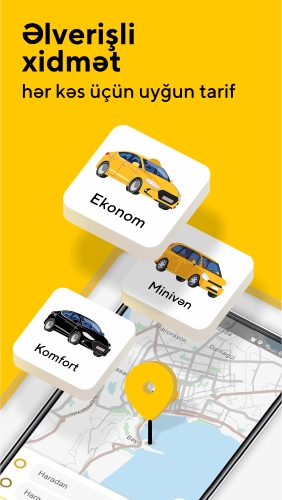
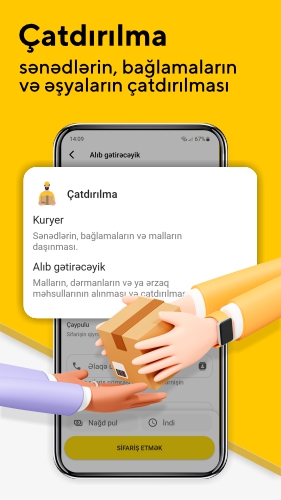
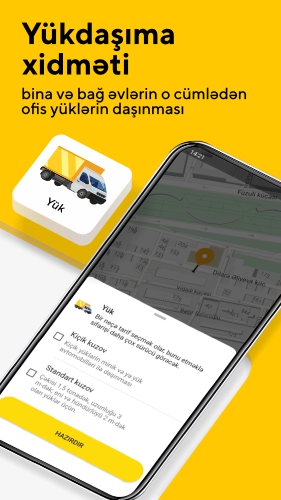
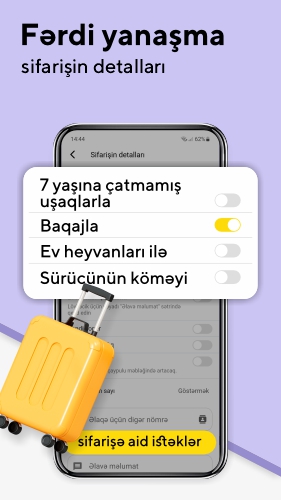
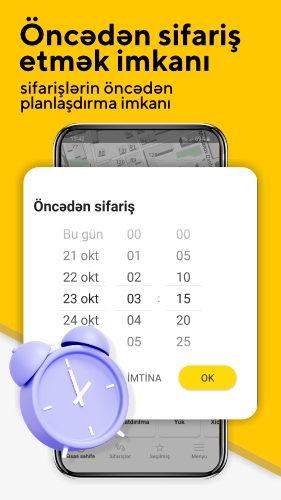



Heç bir cədvəl və müdir yoxdur
Tətbiqdən ilk müştəriyə — bir neçə dəqiqə
Vəsaitin balansdan
dərhal çıxarılması
İstədiyiniz vaxt qazanın, yalnız sifarişləri tamamlayın yol boyunca
Daha çox qazanmağa imkan verir
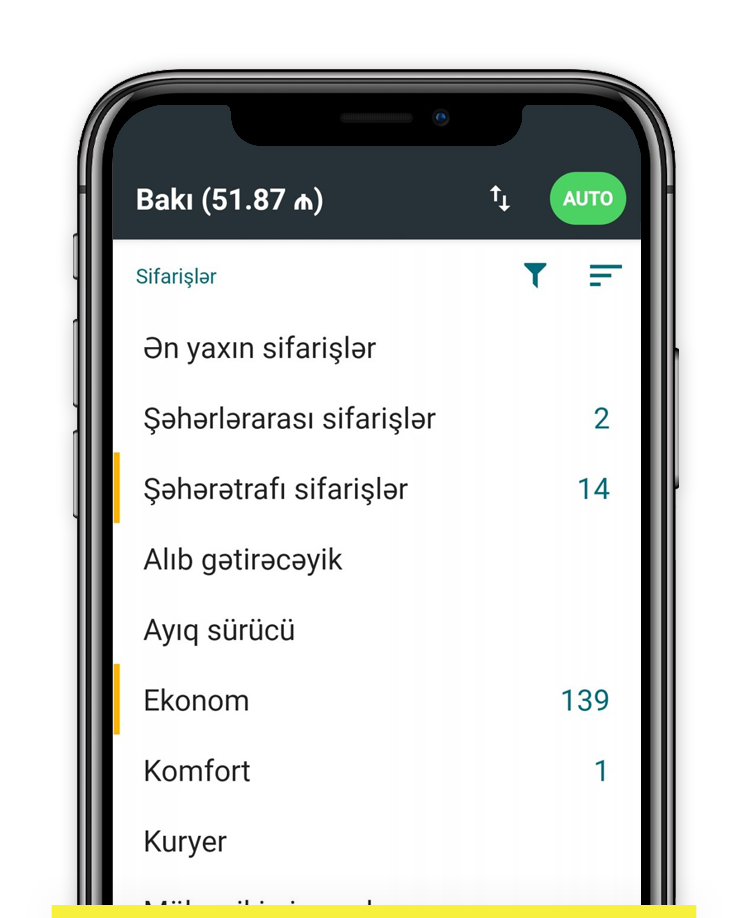
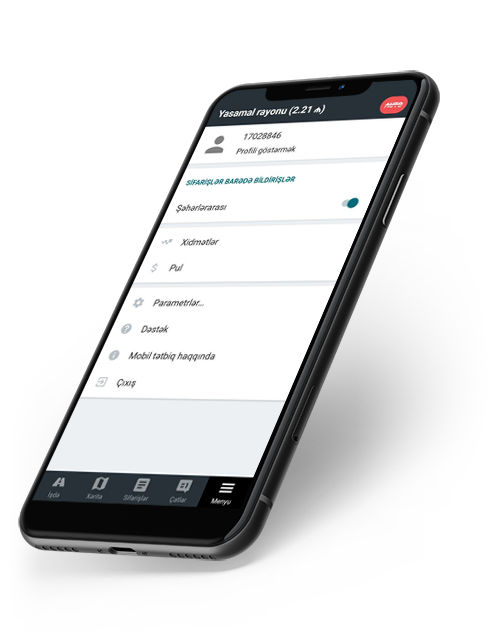
Qazanmaq üçün mobil tətbiq yaxınlıqdaki sifarişləri təqdim edəcək, marşrut quracaq və ətraflı gəlir hesabatını tərtib edəcək
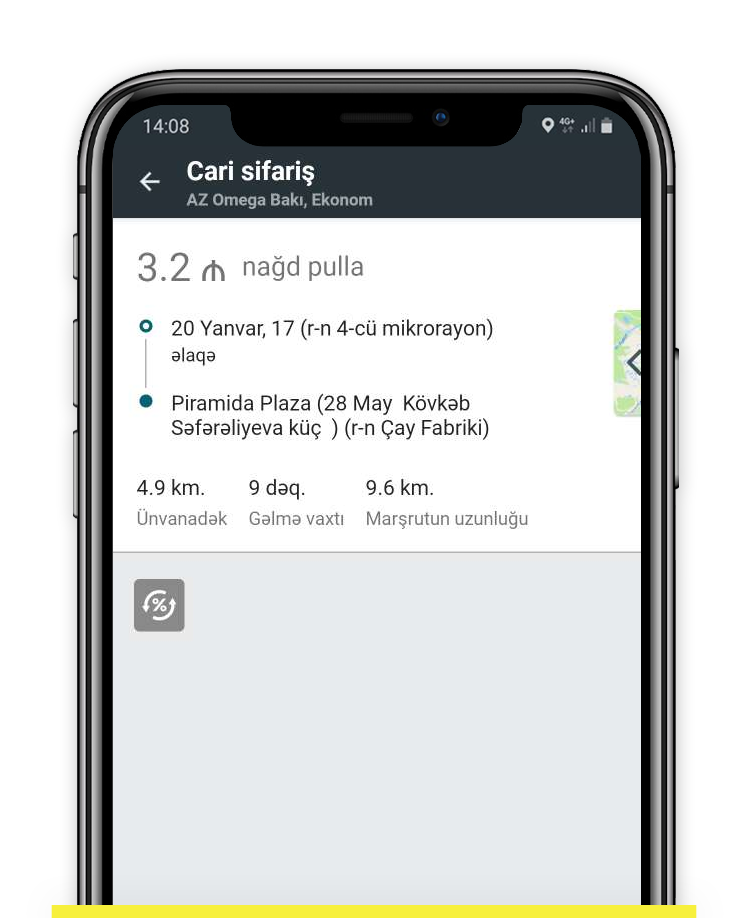
Səfərin qiyməti pik saatlarda arta bilər. Qazancı çoxaltmaq üçün ən yaxşı an.
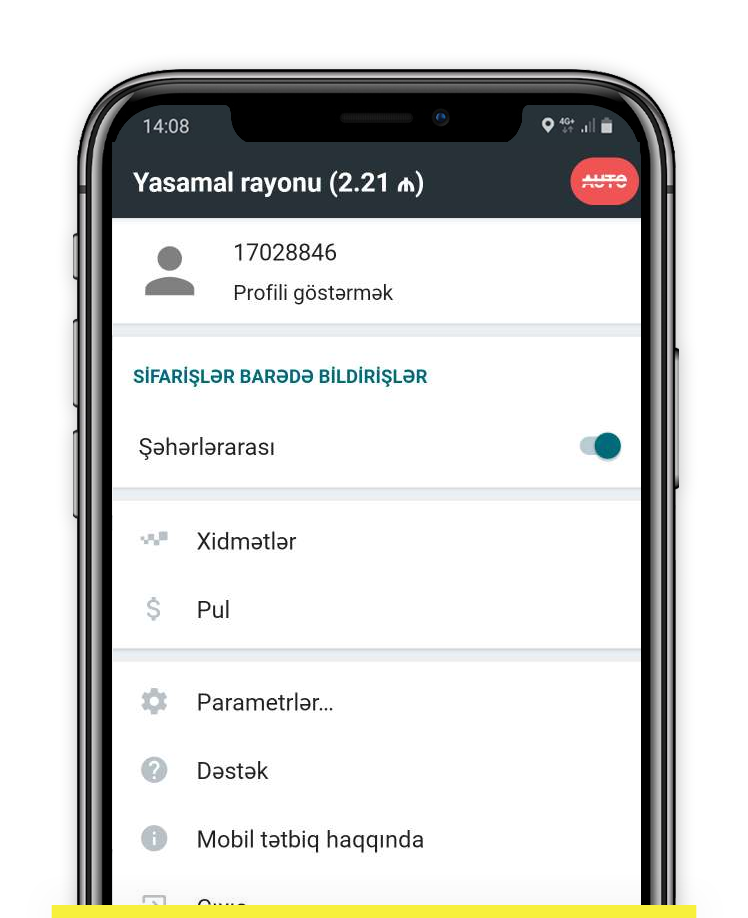
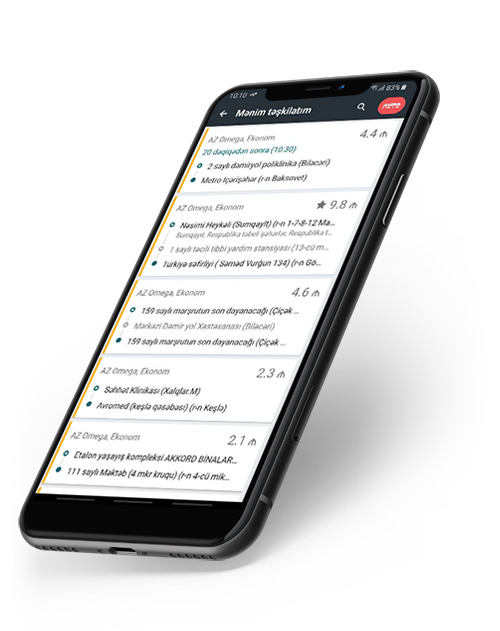
Şəhərlərarası sifarişləri yerinə yetir və daha çox qazan
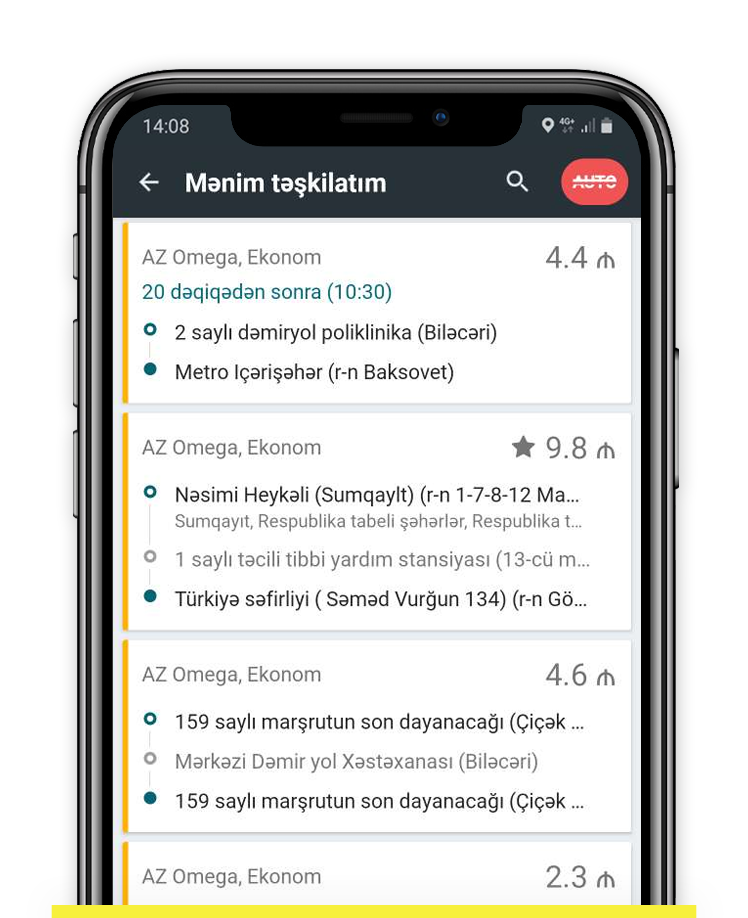
Rahat sifarişləri seçin. Başlanğıc və bitmə ünvanları əvvəlcədən bilinir
If you have recently reset your Samsung Galaxy device only to be greeted by a screen asking for a Google account you no longer remember, you are not alone. This security feature, known as Factory Reset Protection (FRP), is a robust anti-theft measure. However, for legitimate users who have purchased a second-hand phone or simply forgotten their credentials, it can feel like a lockout from your own property.
This has led to a massive surge in demand for a . In this extensive guide, we will explore what FRP is, why tools are necessary, the top software available for free download, and a step-by-step guide on how to use them safely. Understanding Factory Reset Protection (FRP) Before diving into the tools, it is crucial to understand what you are up against. What is FRP? Introduced by Google in Android 5.1 Lollipop, Factory Reset Protection (FRP) is a security method designed to deter thieves from stealing a phone and performing a factory reset to use it or sell it. Once a device is linked to a Google account, FRP is activated. samsung frp tool free download for pc