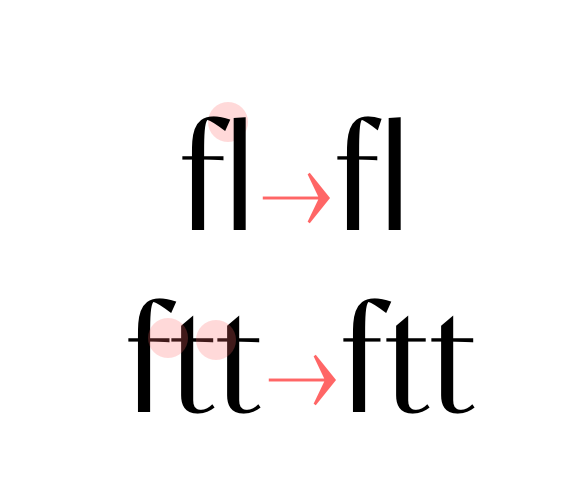
• smart f variants to avoid collisions,
• T T ligature,
• anti-collision T (rightside),
• variants of f and t horizontal bar when next to each other (ff, tt, ft, tf, ttt, fff…)
Published on: 25th of May 2021
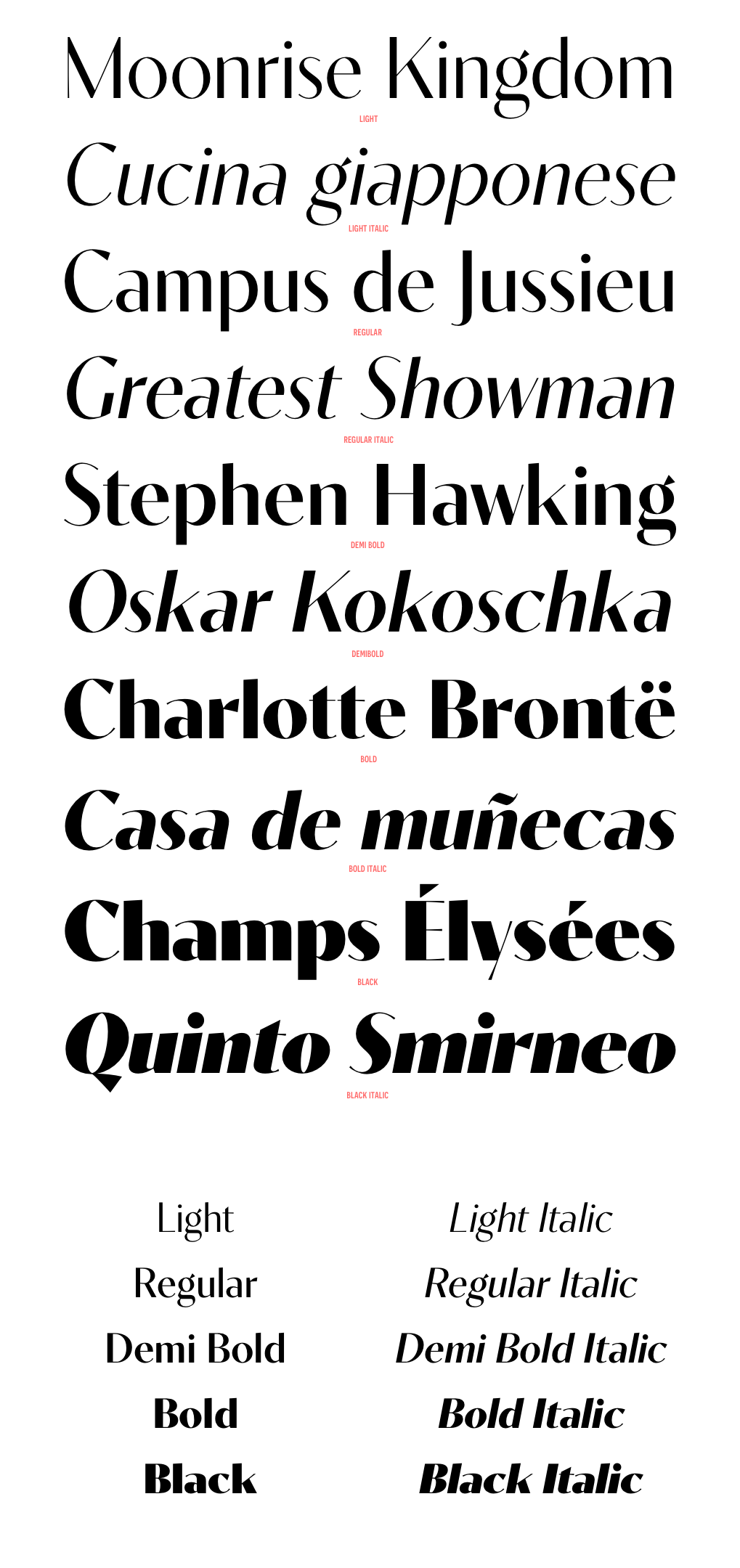
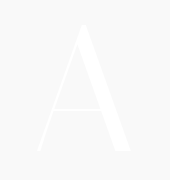
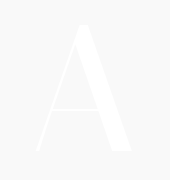
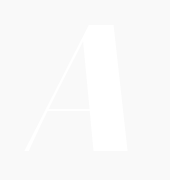
Contralto is a high contrast sans-serif font family, crafted to look elegant but contemporary thanks to soft humanist shapes mixed with sharp geometric details.
Contralto comes in 40 styles: 5 weights × italics × 4 optical sizes, to help optimising contrast and readability. However, you can also use them to fine tune the mood of your graphical composition.
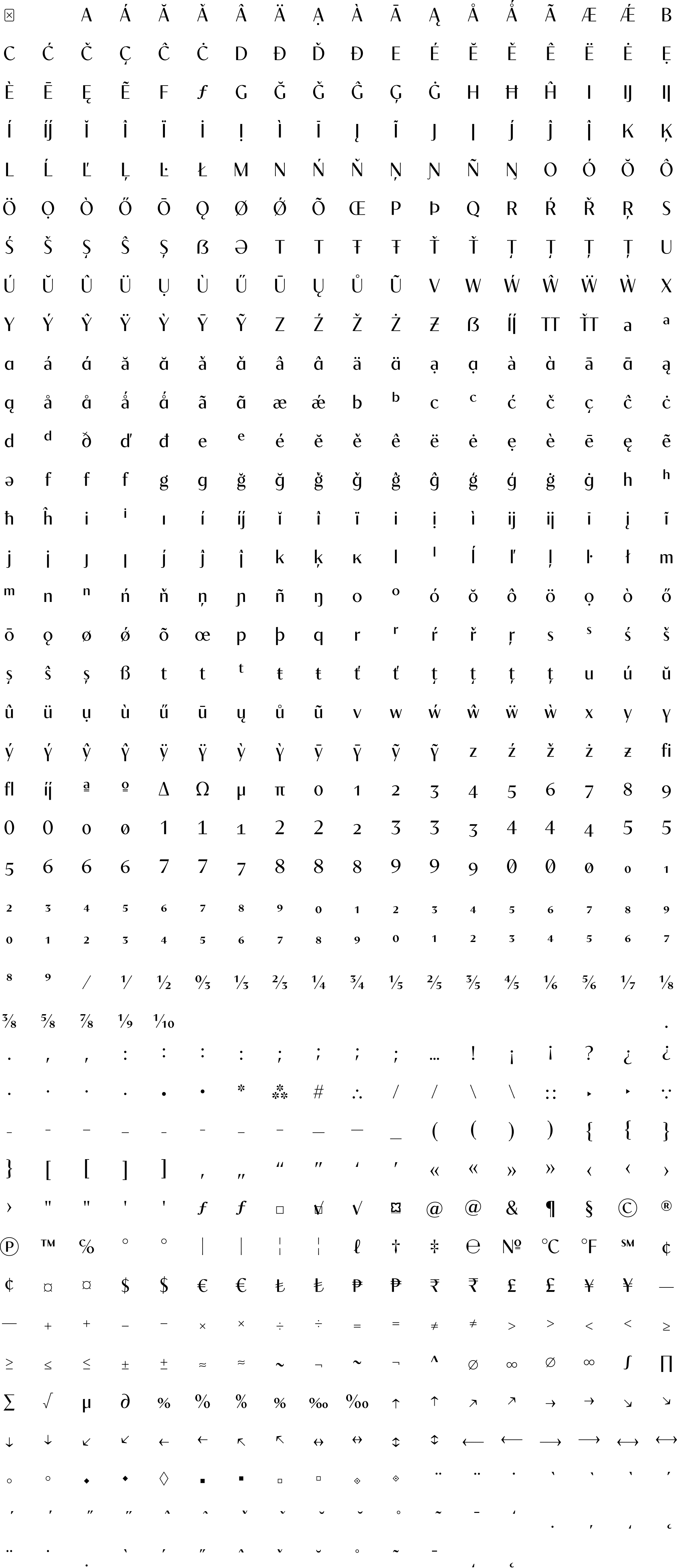
Contralto’s generous character set and Opentype features let you meet the most demanding layout needs and lets your creativity fly!
Download the Contralto Specimen -->


| light | regular | demibold | bold | black | light italic | regular italic | demibold italic | bold italic | black italic | |
|---|---|---|---|---|---|---|---|---|---|---|
| big | ![]() |
![]() |
![]() |
![]() |
![]() |
![]() |
![]() |
![]() |
![]() |
![]() |
| medium | ![]() |
![]() |
![]() |
![]() |
![]() |
![]() |
![]() |
![]() |
![]() |
![]() |
| small | ![]() |
![]() |
![]() |
![]() |
![]() |
![]() |
![]() |
![]() |
![]() |
![]() |
| xsmall | ![]() |
![]() |
![]() |
![]() |
![]() |
![]() |
![]() |
![]() |
![]() |
![]() |
![]() anticollision ligatures Standard ligatures (should be always on). • smart f variants to avoid collisions, • T T ligature, • anti-collision T (rightside), • variants of f and t horizontal bar when next to each other (ff, tt, ft, tf, ttt, fff…) |
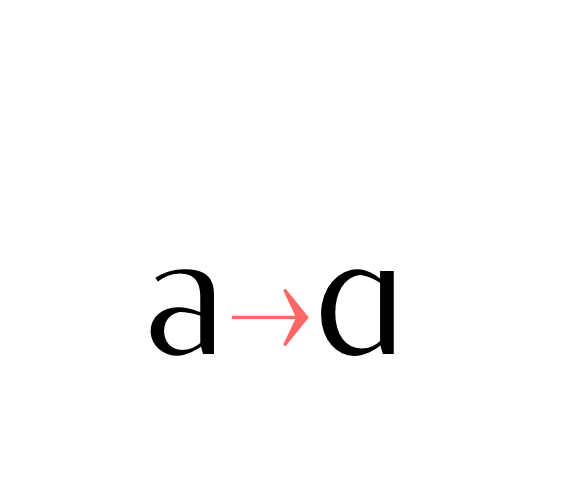
![]() Alternate a (ss01) Stylistic set 01: Alternate lowercase a glyph. |
![]() Alternate g (ss02) Stylistic set 02: Alternate lowercase g glyph. |
![]() Alternate j (ss03) Stylistic set 03: Alternate lowercase and uppercase j glyph. |
![]() Alternate y (ss04) Stylistic set 04: Alternate lowercase y glyph. |
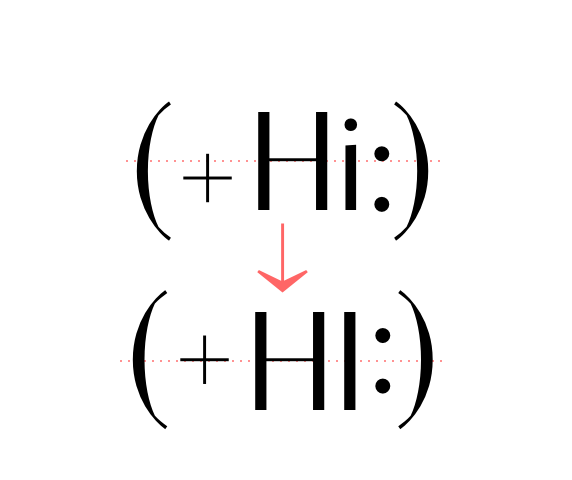
![]() case sensitive forms Displays a version of the glyph that matches uppercases. Case sensitive glyphs are: ß 0 1 2 3 4 5 6 7 8 9 : ; · • ◦ ‣ ◆ ■ □ ▣ ( ) { } [ ] - – — ⎯ « » ‹ › ¢ ¤ $ € ƒ ₺ ₱ ₹ £ ¥ + − × ÷ = ≠ > < ≥ ≤ ± ≈ ~ ¬ ∅ ∞ % ‰ ↑ ↗ → ↘ ↓ ↙ ← ↖ ↔ ↕ ⟵ ⟶ ⟷ |

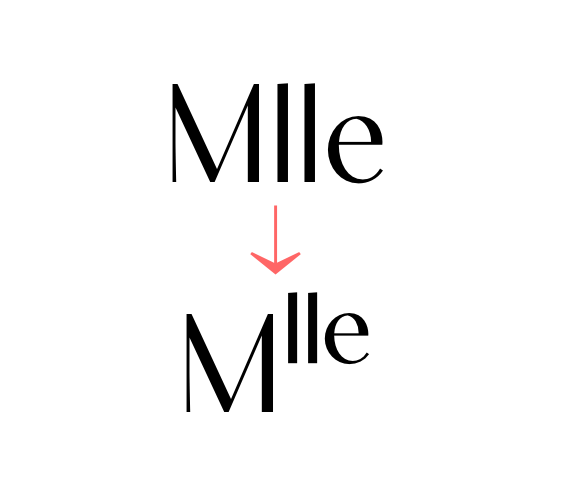
![]() ordinals Creates ordinal versions for letters a b c d e h i l m n o r s t. If a or o are preceded by a figure and no letter follows, ordfeminine ª and ordmasculine º are displayed instead. |
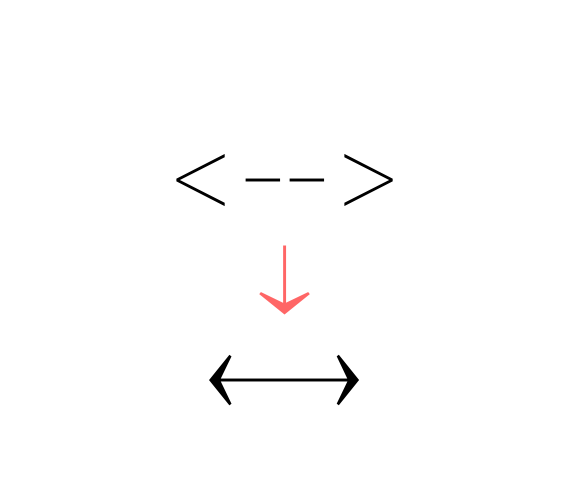
![]() arrows (ss06) Stylistic set 06 “Arrows”. Transforms: -> to →, <- to ←, --> to ⟶, <-- to ⟵, <-> to ↔, <--> to ⟷, ^- to ↑, -^ to ↓, ^-^ to ↕, /> to ↗, </ to ↙, \> to ↘, <\ to ↖, -- to ⎯ (double hyphen makes a longer arrow, sizing exactly 2 tabular spaces). |
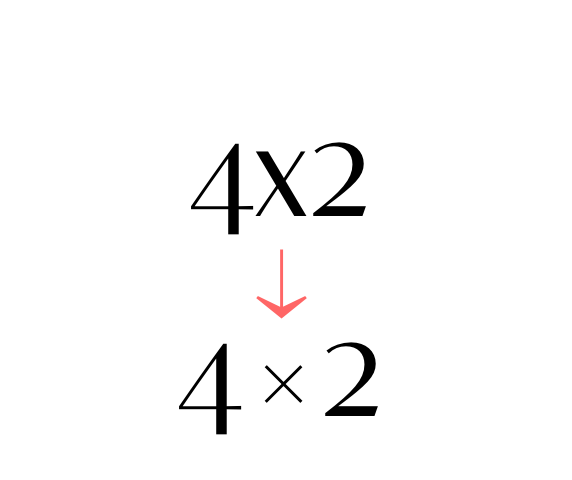
![]() contextual alternates Transforms the x letter to the multiply sign (×) when between two figures and/or an extra space. |
![]() slashed zero Activates slashed-zero alternate |
![]() lining & oldstyle figures Lining figures: displays uppercase-aligned figures and case sensitive glyphs: ß 0 1 2 3 4 5 6 7 8 9 : ; · • ◦ ‣ ◆ ■ □ ▣ ( ) { } [ ] - – — ⎯ « » ‹ › ¢ ¤ $ € ƒ ₺ ₱ ₹ £ ¥ + − × ÷ = ≠ > < ≥ ≤ ± ≈ ~ ¬ ∅ ∞ % ‰ ↑ ↗ → ↘ ↓ ↙ ← ↖ ↔ ↕ ⟵ ⟶ ⟷ Oldstyle figures: displays lowercase (default) figures and glyphs. |
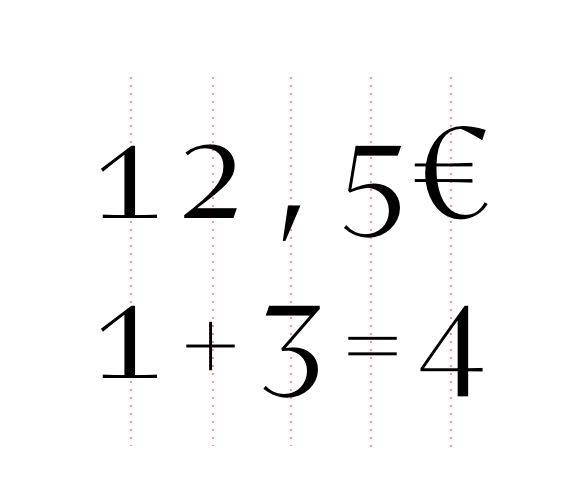
![]() tabular figures & symbols Switches figures and some related glyphs to tabular ones. This feature makes the target glyphs same width and aligns them vertically as they were inside a table. Tabular glyphs are: π … # _ ⎯ ¢ $ € ƒ ₺ ₱ ₹ £ ¥ + − × ÷ = ≠ > < ≥ ≤ ± ≈ ~ ¬ ∅ ∞ ∫ √ µ ∂ ↑ ↗ → ↘ ↓ ↙ ← ↖ ↔ ↕ ◊ ☐ ☑ ✓ Glyphs with tabular alternates: 0 1 2 3 4 5 6 7 8 9 . , : ; · " ' ° | ¦ % / \ - (and space). Most of them have case-sensitive alternates too. In this font you’ll also find 3 long arrows ⟵ ⟶ ⟷ with their case sensitive alternate. Their length is exactly twice a tabular. |
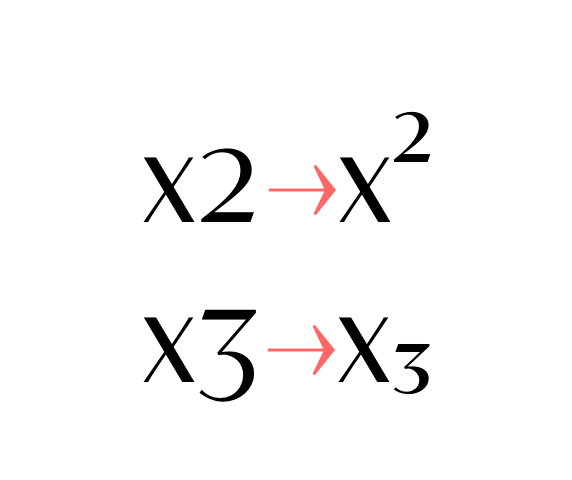
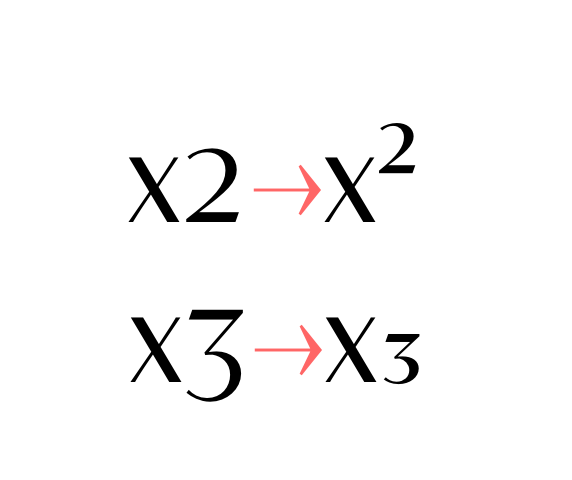
![]() superscripts & subscripts Activates superscript and subscript figures independently. |
![]() numerators & denominators Activates numerator and denominator figures independently. |
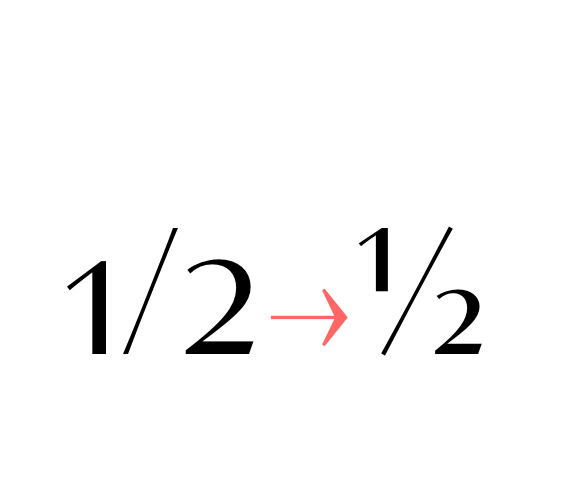
![]() fractions Real fractions from any [number] slash [number] sequence. |
Adobe Illustrator CC 2017 21.0.0 for Mac OS represents a powerful tool in the arsenal of any digital designer. Its combination of performance, innovative features, and seamless integration with the Mac operating system and other Adobe CC applications makes it an indispensable asset for creatives. Whether you're a seasoned professional or just starting to explore the world of vector graphics and digital art, Illustrator CC 2017 21.0.0 offers the tools and capabilities to bring your visions to life.
Released as part of Adobe's Creative Cloud (CC) suite, Illustrator CC 2017 21.0.0 marked a significant update to the Illustrator family. This version built upon the foundations laid by its predecessors, introducing enhanced performance, new features, and a more streamlined user interface. For Mac OS users, the integration with the Mac operating system ensures a smooth, responsive experience, making it easier to focus on the creative process. Adobe Illustrator CC 2017 21.0.0 -MAC OS-
While Adobe Illustrator CC 2017 21.0.0 offered a wealth of benefits, it was not without its challenges. The learning curve for new users could be steep, given the vast array of tools and features. Additionally, as a Creative Cloud application, it required a subscription, which could be a consideration for individuals or businesses on a tight budget. Adobe Illustrator CC 2017 21